

The latest 2024 NECO results have been released. It’s crucial for candidates to know the process of checking these results efficiently. This article offers a simple guide on how to check your results and explains why some results may not be immediately available.
Steps to View the Latest 2024 NECO Results
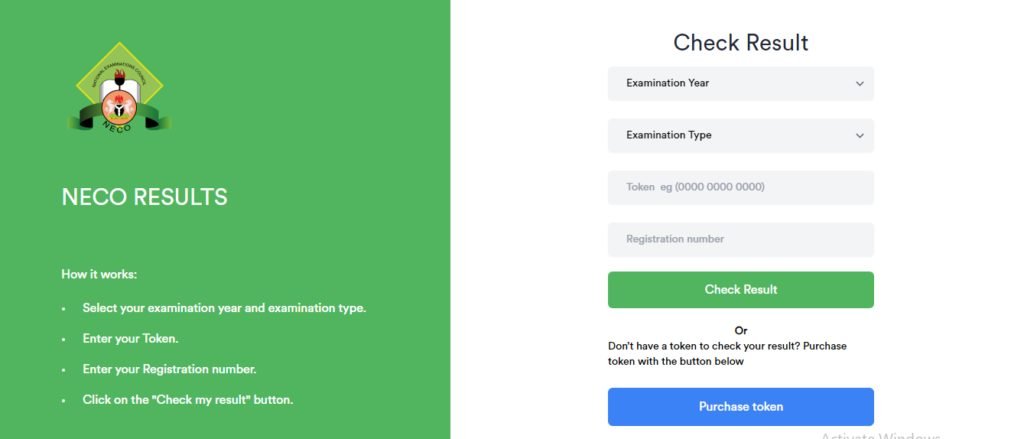
Here are the steps to check your 2024 NECO results online:
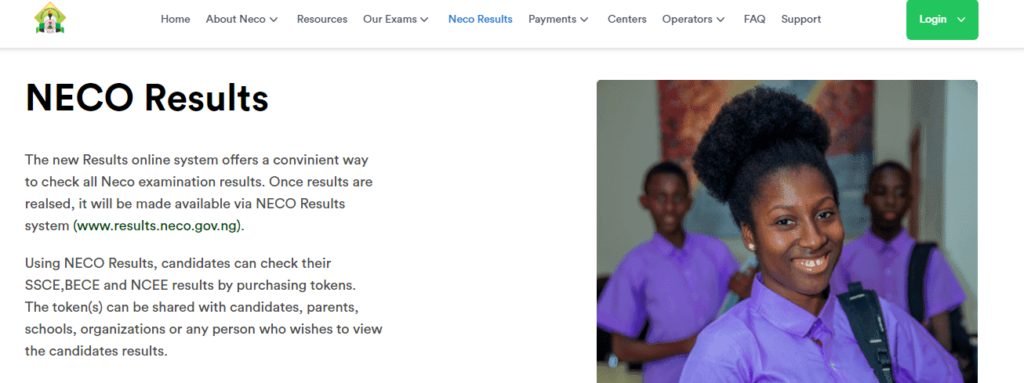
1. Visit the NECO Portal: Go to the official NECO results portal to access your results.
2. Select ‘NECO Results’: Navigate to the ‘NECO Results’ section on the homepage and click on “Check Results” to proceed.
3. Enter Your Examination Details: Provide your exam year, exam type, and examination number.