
In the October 2024 iOS 18.1 update, Apple introduced a new feature allowing iPhone users to record phone calls. This feature enhances the ability to capture important conversations in a privacy-conscious manner. To activate this feature, users need to update their iOS to version 18.1. It’s important to note that not all iPhone models support this update, so users should check compatibility before proceeding.
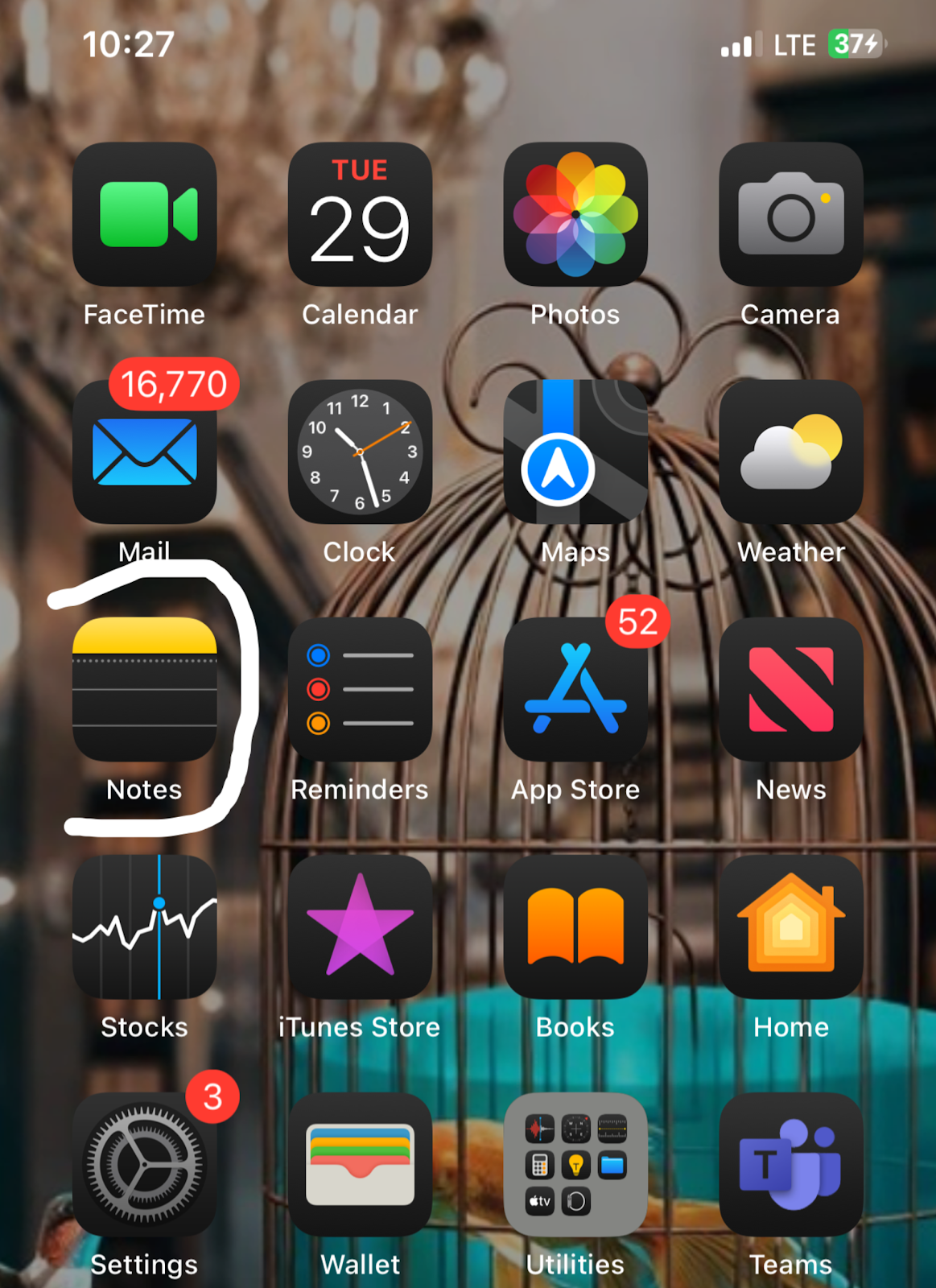
Once the call recording feature is activated, users can start recording conversations by tapping the Call Recording icon during a call. An automated voice notification ensures transparency and compliance with privacy laws, requiring permission from the other party before recording. After the call ends, recordings are automatically saved in the Notes app under a folder titled “Call Recordings,” making it easy to locate and manage them.
The Notes app securely stores these recordings, allowing users to replay, organize, and share them as needed. Tips for using the call recording feature include respecting privacy by informing the other party before recording and organizing recordings in specific folders for convenience.
While call recording may not be a new feature for some users, its introduction on the iPhone brings added value, especially considering the quality of recordings. The clarity and ease of access to recorded calls make this feature a valuable addition for iPhone users.